
How Can One Video Become Ten Assets Without Starting From Scratch?

The webinar is recorded. The podcast is published. So why does Monday's marketing meeting still feel like an open-mic night? Welcome to the AI video repurposing era.

Most teams don't have a content problem.
They have a hoarding problem.
Open your Google Drive. Right now. I'll wait.
In there, you'll find: a 47-minute webinar from Q2, a podcast episode you "definitely meant to clip," a founder interview that's been "marinating" since spring, and somewhere — buried at the 37-minute mark of a product demo — one absolute gold-plated soundbite that nobody outside your editing software has ever heard.
And every Monday, the same question echoes through the marketing meeting like a haunted PA system:
"What should we post this week?"

Friends. The content already exists. You filmed it. You paid for catering. You bought the ring light.
The problem isn't that you need more content. The problem is that mining the gold you already have used to require someone to watch every minute, scrub every timeline, draft every caption, and resize every clip while slowly losing the will to live.
AI is changing that. Not because it replaces creativity. Because AI video repurposing finally removes the bottleneck between "raw video" and "ready to publish" — the bottleneck where most good ideas go to die.
The shift: video isn't the final asset. It's the raw material.
For years, we treated video like the finished product:
Record the webinar. Publish it. Post one recap clip. Light a candle. Move on.
That's not a content strategy. That's a funeral.
The smarter way to think about video is this:
Your video is not one asset. It's the source material for an entire content system.
A 45-minute webinar is hiding:
6 short-form clips
3 LinkedIn posts
1 newsletter section
1 blog article
1 sales follow-up email
5 quote graphics
10 caption ideas
3 prompts for future videos
The ideas are already in there. They've been there the whole time. They're just trapped in a 4K MOV file your team is afraid to open.
What AI can actually do in the AI video repurposing workflow
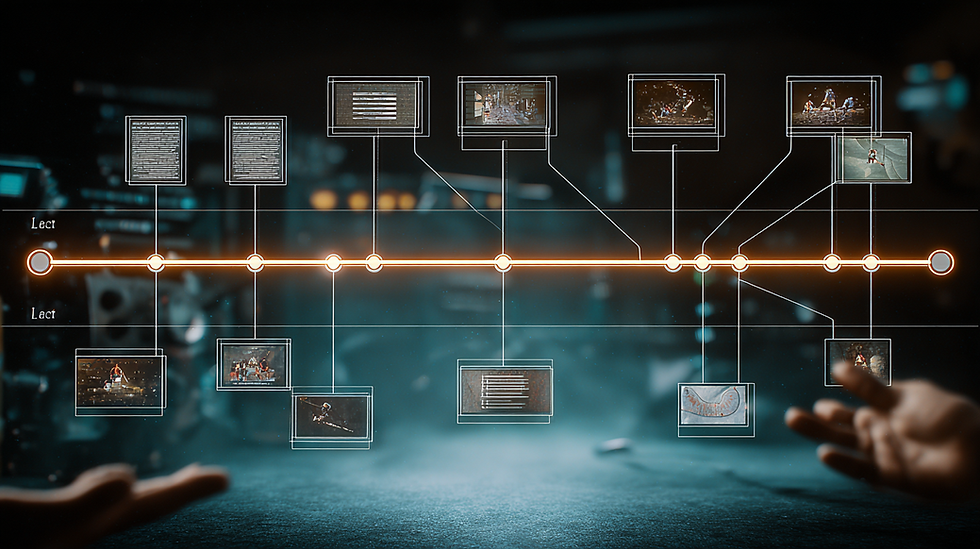
Here's where AI earns its seat at the table:
1. Find the best moments. No more scrubbing through a 90-minute interview hoping to land on a hook. AI can surface strong soundbites, emotional beats, juicy objections, and that one rant your CEO went on that's secretly the best thing in the recording.
2. Cut clips faster. AI-assisted tools can chop long-form content into shorts, reframe for vertical, generate captions, and prep content for LinkedIn, YouTube Shorts, TikTok, Reels, and email — without an editor crying into their keyboard.
3. Write around the video. The clip is one piece. The post, email, blog intro, and sales follow-up are the rest. AI can turn a transcript into all of it, so your video has a supporting cast instead of going on tour alone.
4. Adapt the same idea by channel. A strong webinar moment should not be packaged identically for LinkedIn, YouTube, email, and your blog. That's how you end up sounding like a press release wearing four different wigs. AI can reshape the same idea for each format — fast.
The result: video stops being a one-and-done deliverable and starts being the raw material for a repeatable content engine.
For marketers: Goldcast AI Content Lab

If you're in B2B, you already create the most expensive content on earth: webinars, virtual events, executive interviews, customer conversations, product demos, and "thought leadership" sessions where someone in a quarter-zip explains the future.
Then most of that content gets used... once.
Goldcast AI Content Lab is built to fix this. It turns long-form video into campaign-ready assets — clips, blog posts, social copy, email content, the works.
A real workflow looks like this:
Record a webinar.
Use AI to identify the strongest audience questions, expert insights, and product moments.
Turn those moments into short clips.
Build LinkedIn posts around each clip.
Draft a follow-up email for attendees and the no-shows (they're the easier sell, weirdly).
Build a blog or newsletter from the key takeaways.
Hand sales a few clips they can drop into follow-ups instead of the standard "just circling back" purgatory.
One event. One campaign. Zero "what should we post this week" panic.
For creators: Kling AI (a step-by-step you can run today)
If you're a creator, repurposing is still the main play. Then — and only then — does AI video creation enter the chat.
Here's the order: pull the idea, cut the clip, then let Kling AI add the visual punch. Most creators reverse this and end up with a beautifully animated piece of content about… nothing.
Let's walk through a real example. You've got a 6-minute educational video called "Should I Use a Dev Shop?" — a founder explaining why outsourcing your MVP often becomes a trap that drains your money, kills your fundraising, and leaves you with code that gets thrown away. Great content. One take. Talking head. Here's how that becomes a scroll-stopping short-form clip with Kling-generated visual layers:
Step 1: Pull your hero moment (5 minutes). Scrub the video. You're looking for the single 30–40 second beat that hits hardest on its own. In this video, it's the "trap" sequence around the 3-minute mark — where the speaker explains that using a dev shop feels like progress because things are finally getting built, but then the first version doesn't solve the problem, you need more iterations, the money runs low, and you realize you can't raise more. That emotional arc — false hope into hard reality — is a clip that stands on its own. Export it clean.
Step 2: Write 3 hook variants (10 minutes). Open a doc. Write three different opening lines for the same clip:
Curious: "Dev shops don't look like a trap — until your runway is gone and your code gets thrown away."
Bold: "Stop outsourcing your MVP. Early investors don't care what you've built. They care if you can build."
Slightly unhinged: "I get emails from founders every week who used a dev shop. It almost always ends the same way."
One of these will outperform the other two by 3–5x. You won't guess which. Test all three.
Step 3: Generate B-roll in Kling AI (15 minutes).

Go to Kling AI. Use Text-to-Video for conceptual visuals, or Image-to-Video if you have a still you want to bring to life. Generate 3–4 short B-roll clips (5–10 seconds each) that visualize the feeling of the content, not the literal words.
For this dev shop video, prompts might look like:
"A bear trap slowly closing shut on a pile of cash on a clean white surface, soft dramatic side lighting, shallow depth of field, slow motion, 5 seconds"
"A half-built digital wireframe of an app floating in dark space, pieces quietly crumbling and falling away, cinematic atmospheric haze, 5 seconds"
"A sand timer running out, the last grains falling through, extreme close-up, warm amber tones against a dark background, shallow depth of field, 5 seconds"
These visuals map directly to the script's key beats: the trap closing, the product that doesn't survive, and the runway disappearing. Set the aspect ratio to 9:16 for vertical platforms. Use Professional Mode for sharper output. Generate 2 variations of each prompt — Kling's outputs vary, and you want options.
Step 4: Cut it together (20 minutes). In your editor (CapCut, Premiere, Descript — dealer's choice), layer the Kling B-roll over the talking-head clip during the setup — when the speaker is explaining how the dev shop path works and why it feels like progress. Keep the speaker's face on screen for the hook and the emotional payoff when the trap snaps shut. Use the bear trap visual right as the turn happens. Use the crumbling wireframe when the speaker talks about the code being thrown away.
Add captions. Match the color grade so the Kling clips feel like they belong in the same world as the talking head. Export.
Step 5: Build three versions, post the winner (10 minutes). Same core clip, three different opening hooks from Step 2. Stagger them across platforms or across a week. Watch which hook earns the watch-time.
Total time: about an hour. You now have a short-form video that looks far more produced than a standard talking-head clip — built on an idea you already knew worked because it came from your existing long-form content.
Kling isn't replacing your content. It's adding visual depth to an idea you already know works.
The order matters. Repurpose first. Create new supporting assets second.
The mistake: treating AI like a content vending machine

The wrong way to use AI:
Upload a video.
Generate 30 clips.
Post everything.
Pray.
Congratulations, you've just built a content firehose aimed directly at the unsubscribe button.
The better approach: let AI do the speed work. You bring the judgment.
Ask:
Which moments solve a real problem for our audience?
Which clips actually make someone stop scrolling?
Which ideas deserve a longer post, not a shorter one?
Which moment helps a buyer understand why this matters?
Which clip would sales actually send to a prospect without rolling their eyes?
AI finds and formats. You bring the point of view. That's still the part nobody can outsource.
A simple AI video repurposing workflow to try this week
Pick one long-form video. Run it through this:
1. Find the core problem. What problem does this video help your audience solve? If you can't answer in one sentence, the issue isn't AI — it's the brief.
2. Pull 3 to 5 strong moments. Useful insights, surprising statements, customer questions, objections, clear teaching moments.
3. Turn each moment into a clip. Format for the platform where your audience actually lives — not the one your CEO has opinions about.
4. Write around the clip. LinkedIn post, email, blog section, newsletter paragraph. Give the clip a runway.
5. Add a clear next step. Watch the full video? Register for the next event? Book a call? Save the post? Pick one. "Engage with our content" is not a CTA.
6. Add creative support where it earns its place. This is where AI video tools come in. Use them to add visuals, motion, or scene variations that make the clip stronger — not just shinier.
7. Review before publishing. AI can move fast. Taste cannot be automated. Yet.
The final takeaway
The smartest marketers and creators have stopped asking:
"What should we post today?"
They're asking:
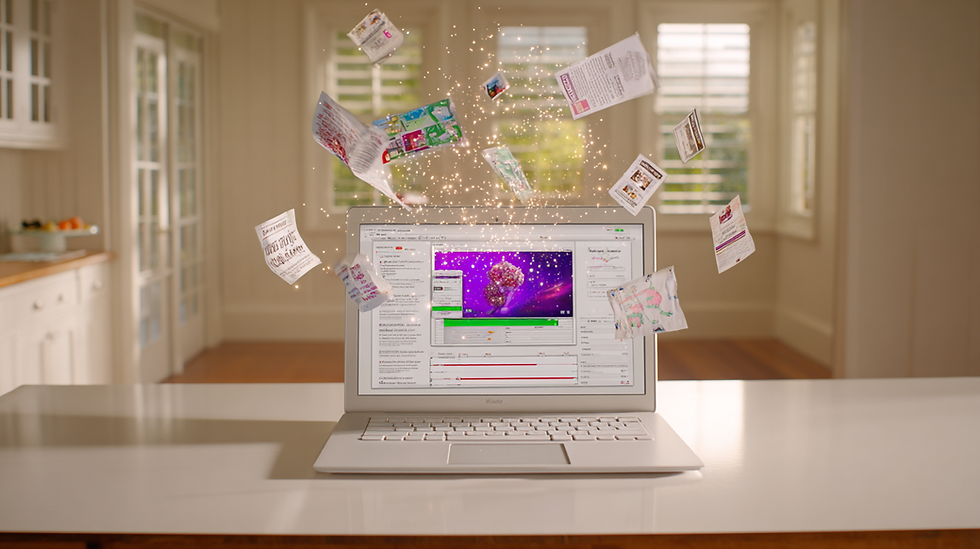
"How many useful assets can this one video become?"
AI video repurposing is the main workflow. AI video creation is the supporting layer. Together, they help your best ideas travel further, faster, and in the right format for the right audience.
Your next great post isn't waiting to be created.
It's already in your Drive, somewhere around minute 37.
Go find it.
AI Weekly is written for marketers and video content creators who'd rather spend less time staring at a blank doc and more time making work that actually moves something.


Comments